A robot arm that sees objects with a camera and automatically picks them up and places them in the correct location and orientation without human control.
Overview
OmniPlace is an autonomous pick and place system built on ROS 2 for a Franka Panda with an Intel RealSense camera. The robot scans a tabletop, detects both objects (squares, rectangles, cylinders) and targets (their flat cross sections), matches each object to the correct target, and executes pick and place until no targets remain.
System diagrams
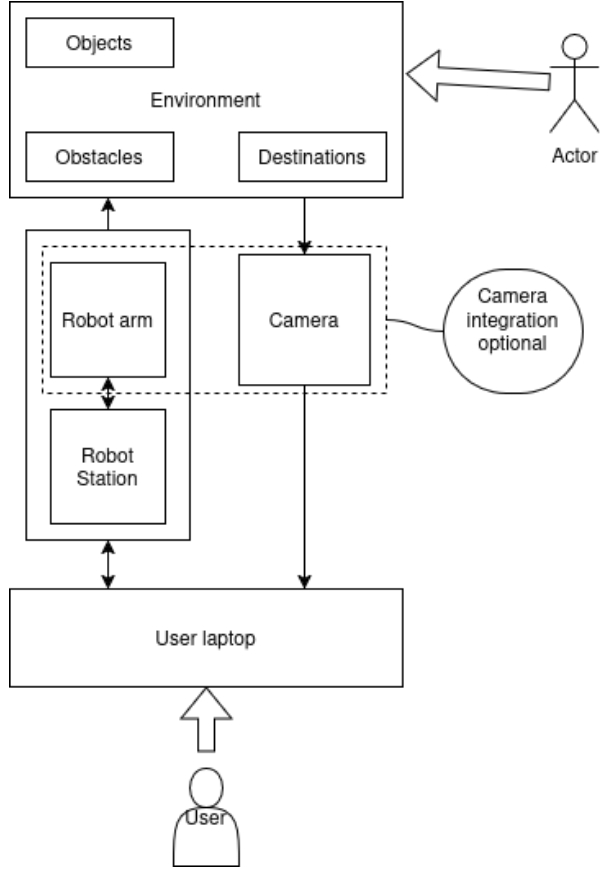
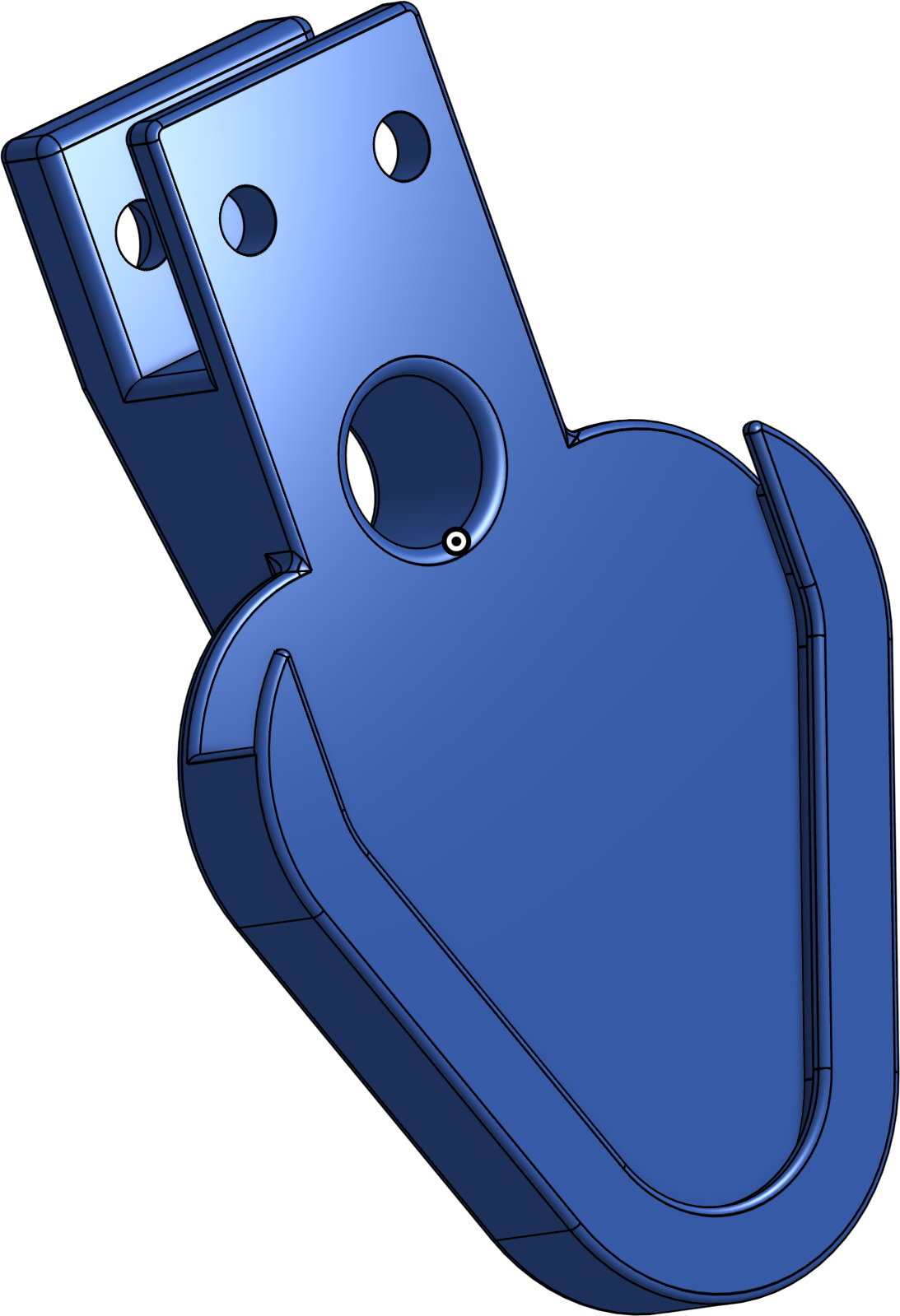
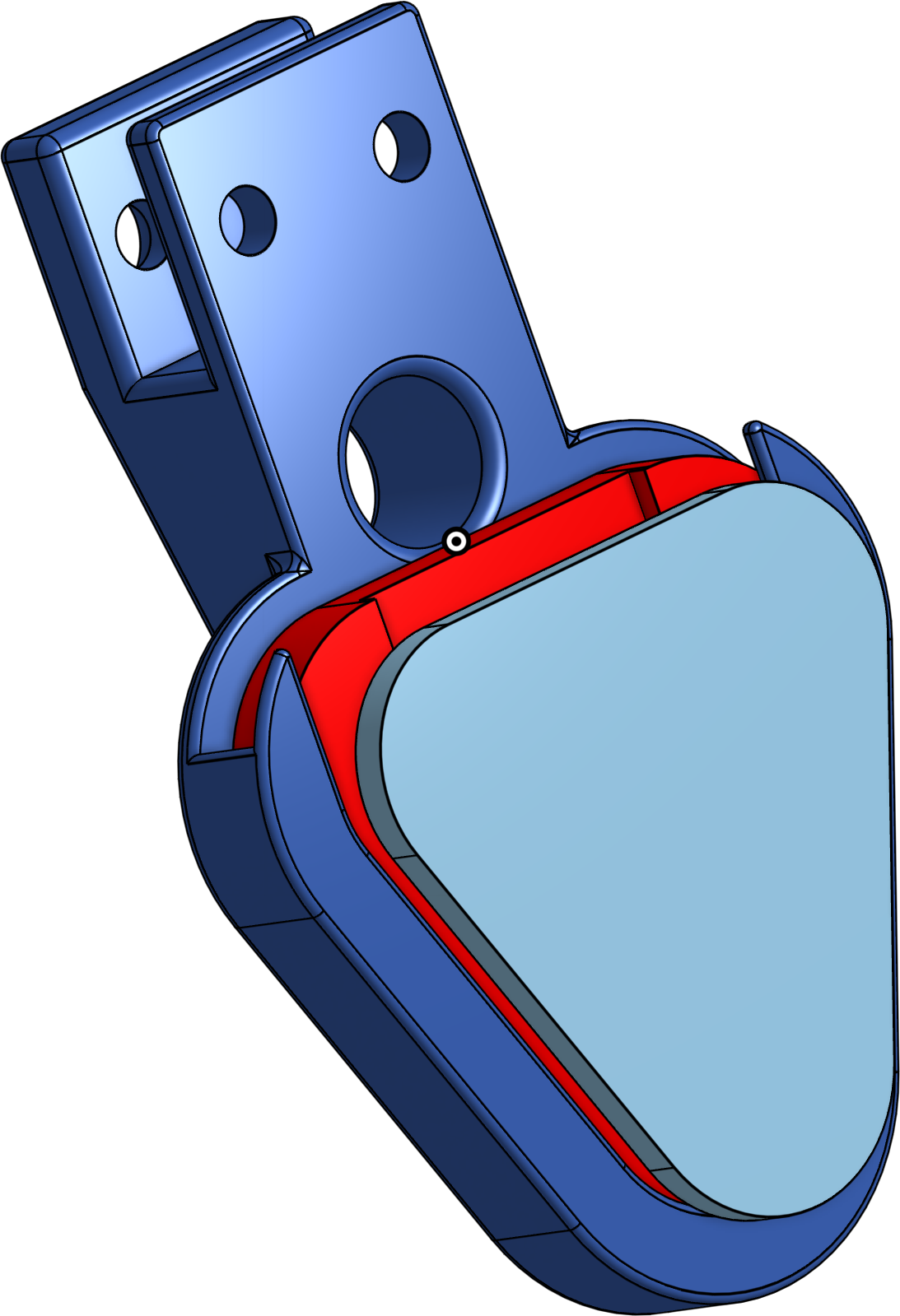
Hardware setup: objects, camera, and robot arm
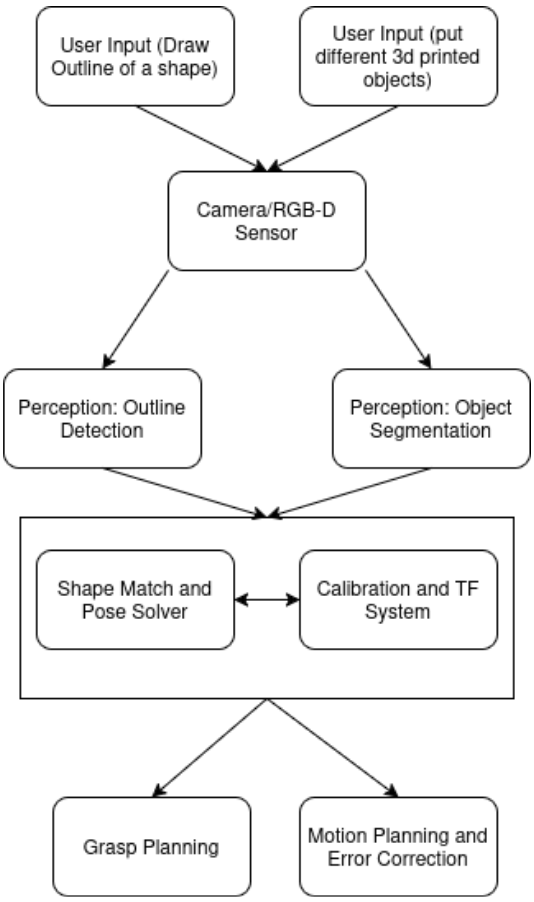
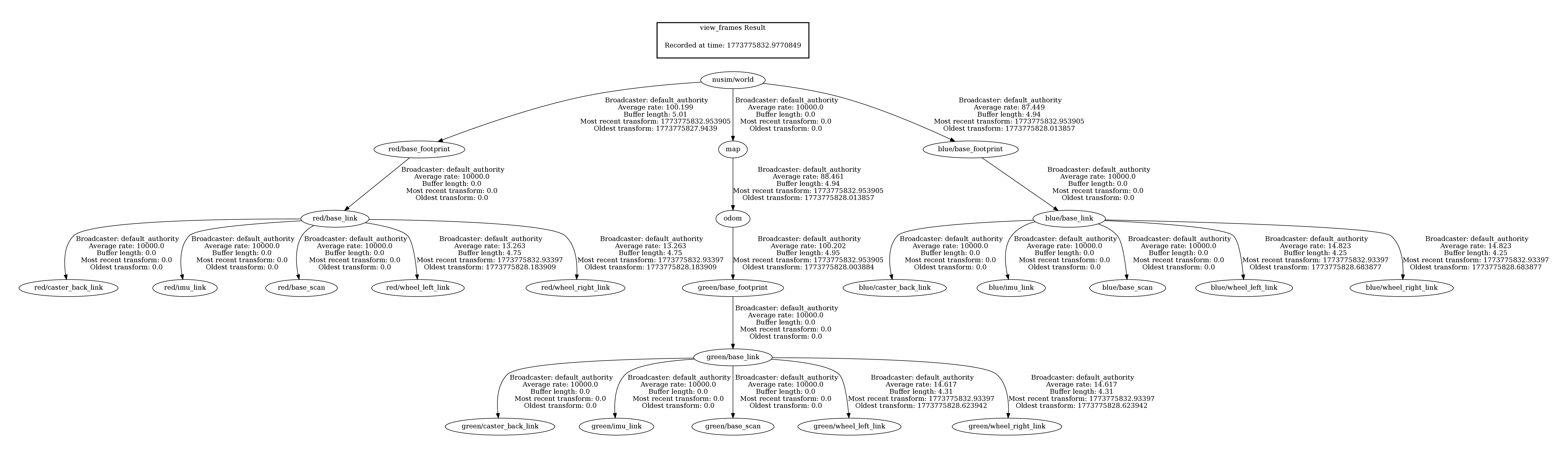
Software pipeline from sensing to planning and execution
Perception pipeline (YOLO-OBB and detection stabilization)
Perception is handled by a YOLO-based detector that outputs oriented bounding boxes, providing both object position and in-plane rotation directly from the image. Rather than relying on single-frame detections, the system performs a structured scan of the workspace and aggregates detections across multiple frames.
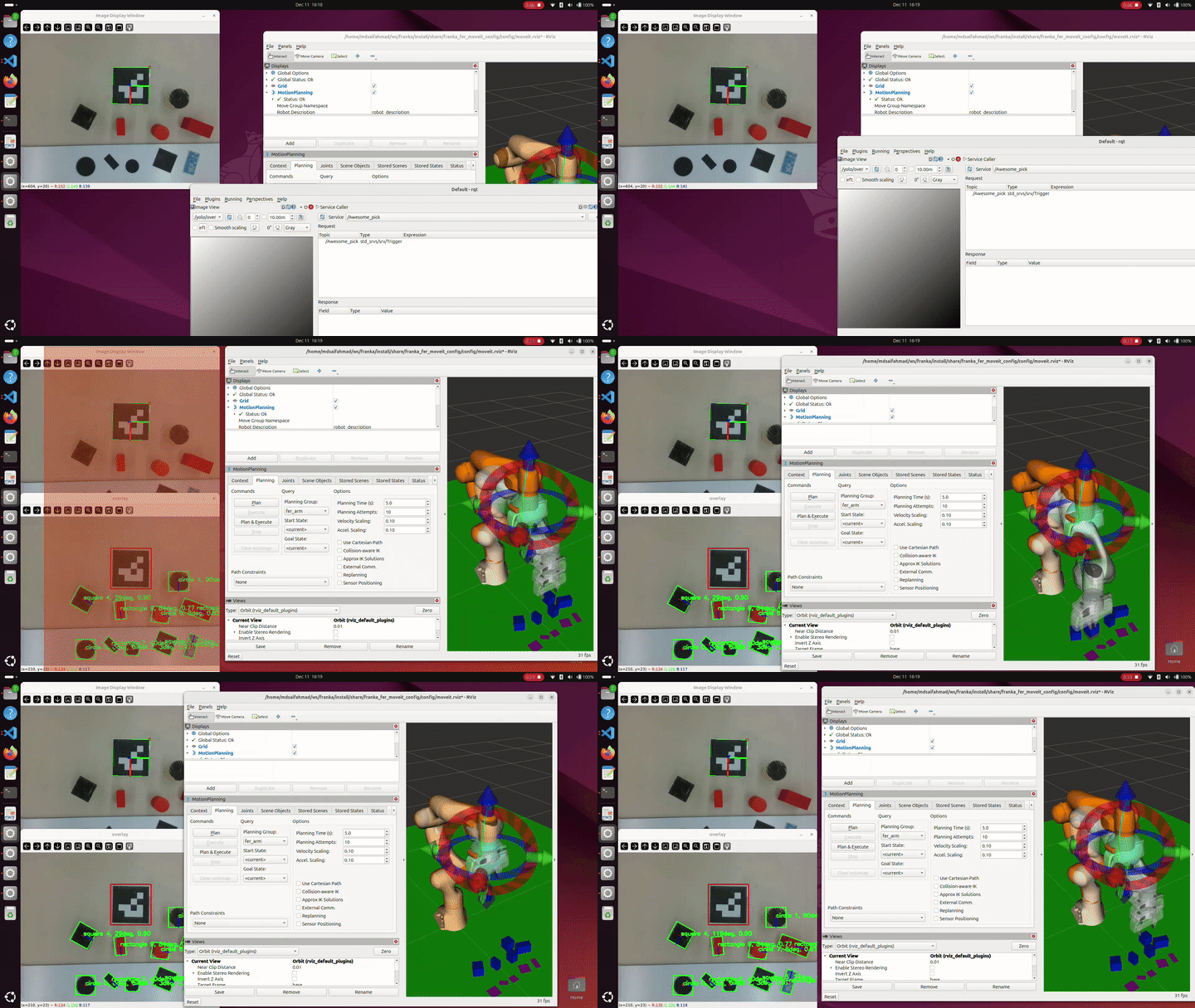
Detections are associated over time by comparing center location, shape class, bounding box dimensions, and orientation. Candidates that do not appear consistently across the scan window are discarded as noise. This temporal filtering produces a stable set of object and target poses that can be safely used for motion planning.
To train the YOLO model, a Python-based synthetic data generation pipeline was developed. The script programmatically generated large datasets of labeled images containing geometric objects with randomized pose, scale, orientation, lighting, and background variation. This approach made it possible to rapidly scale the training dataset without manual labeling and ensured strong coverage of object orientations required for reliable OBB prediction.
Objects and targets are distinguished using a height-based heuristic. Targets are flat cross-sections placed on the table, while objects have nonzero height. This separation allows the system to independently build object and target sets and perform shape-based matching between them.
Motion Planning and Task Execution
Motion planning is handled through a custom Python interface built on top of MoveIt 2, designed to simplify interaction with the robot while still exposing fine control when needed. Instead of calling MoveIt APIs directly throughout the codebase, the system is structured around a small set of modular wrappers that separate state queries, planning logic, and environment management.
The motion planning interface provides utilities for querying the robot’s current state, generating collision-aware trajectories, and executing both Cartesian and joint-space motions. A dedicated planning scene manager dynamically adds and removes collision objects corresponding to detected items and targets, ensuring that planned motions remain valid as the workspace changes. All motion commands are funneled through a single high-level interface that exposes actions such as moving to poses, executing grasps, and controlling the gripper, keeping task logic clean and readable.
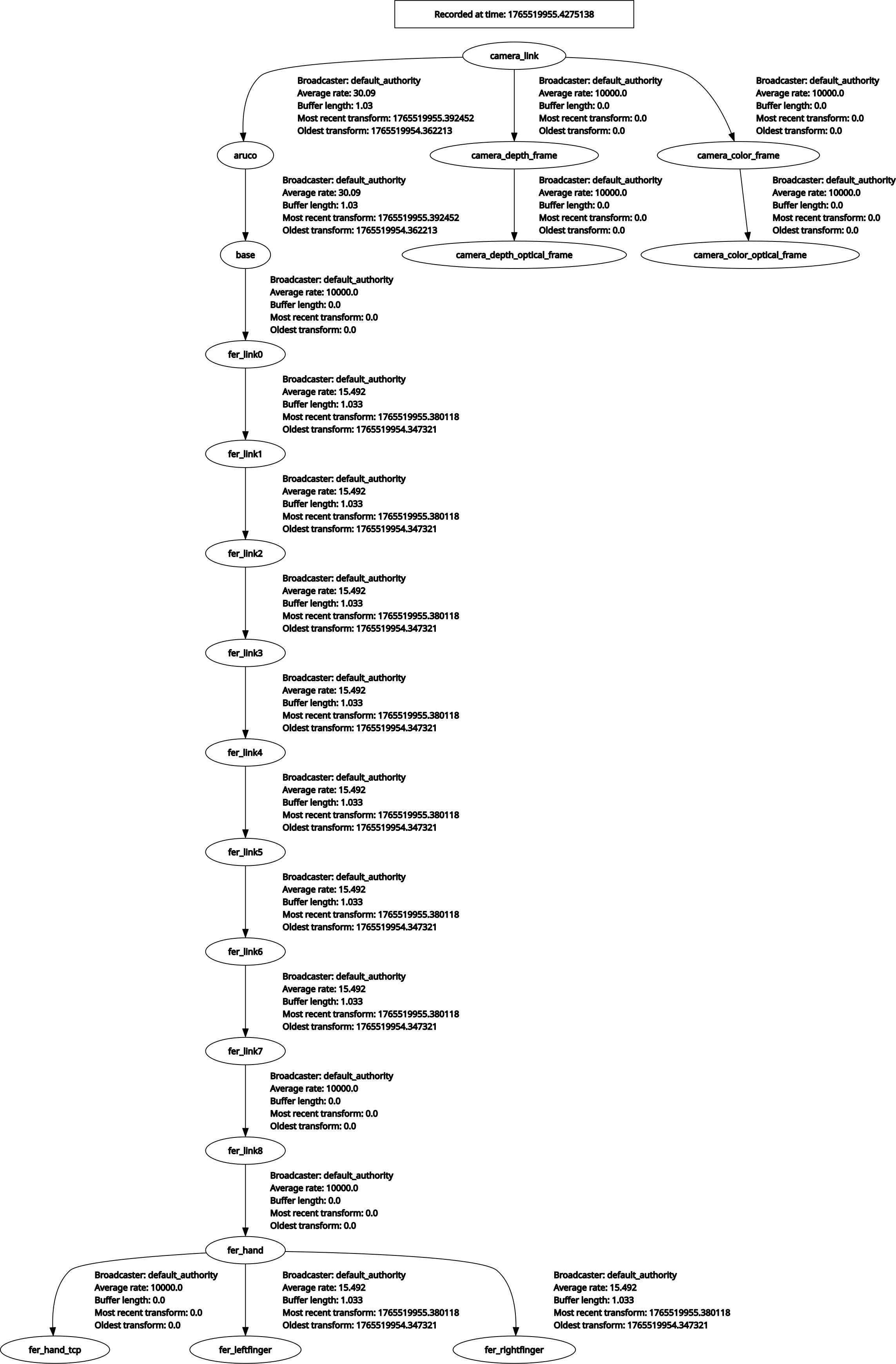
Task execution is coordinated by a central control script that drives the full pick-and-place pipeline. When triggered, the robot first moves to a known home configuration and performs camera calibration using an ArUco marker to establish consistent transforms between the camera, marker, and robot base. The perception pipeline then scans the workspace, producing a stable set of object and target poses that are visualized in RViz and added to the planning scene.
Objects are matched to targets based on shape and size, and the robot executes pick-and-place operations one pair at a time. After each attempt, the system re-scans the workspace rather than assuming a static scene. This design allows the robot to recover from failed grasps, handle objects being moved during execution, and remain robust to detection ordering changes. The task continues until no valid targets remain, at which point the robot safely returns to its home position.
.png)